

How to Fix WooCommerce Email Notifications Not Sending (Complete Guide)

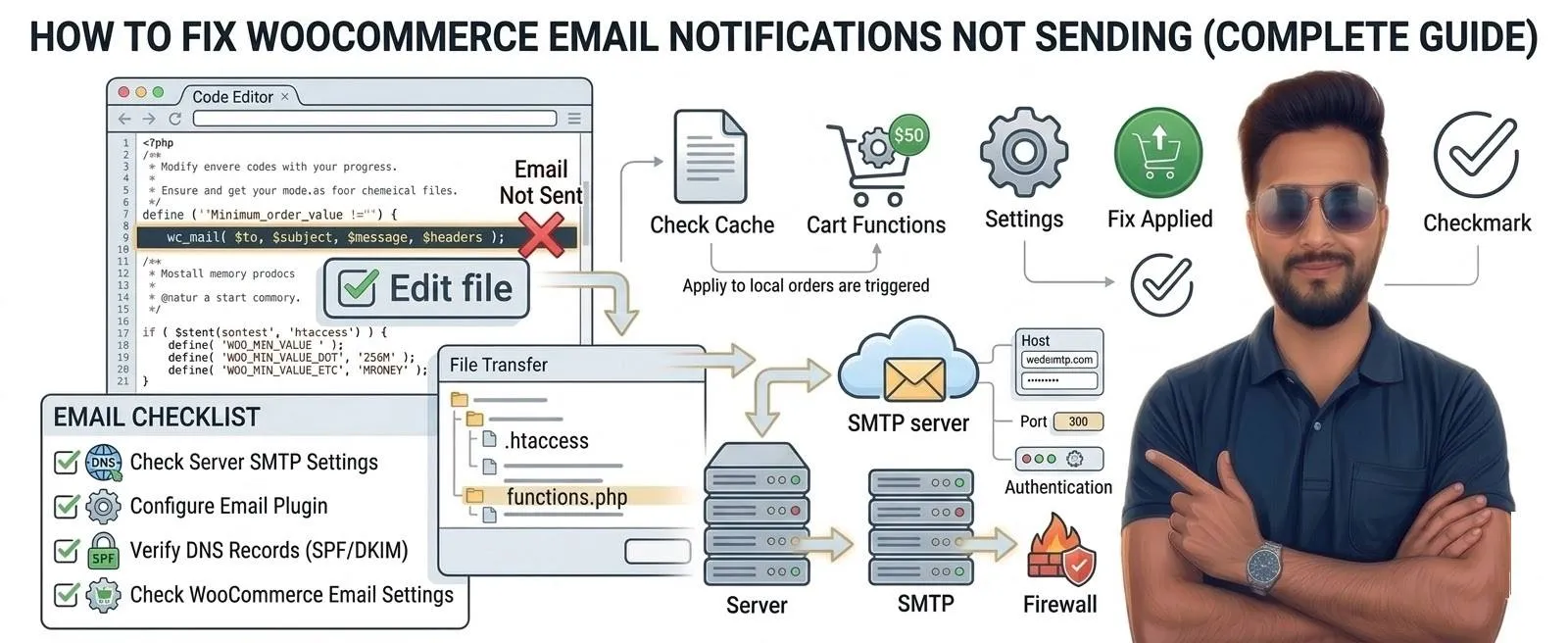
WooCommerce automatically sends email notifications for important events such as:
• New order notifications
• Order confirmations
• Completed orders
• Customer invoices
• Password resets
If these emails stop sending, store owners may miss customer orders, which can cause serious business problems.
This issue usually happens due to server email configuration, plugin conflicts, or WordPress mail settings.
In this guide, we will show the most reliable ways to fix WooCommerce email notification problems.
Common Reasons WooCommerce Emails Fail
The most frequent causes include:
• WordPress default mail function failing
• Hosting server blocking PHP mail
• SMTP not configured
• WooCommerce email settings disabled
• Plugin conflicts
• Spam filters blocking emails
Most WordPress websites rely on PHP mail(), which is often unreliable on shared hosting.
Step-by-Step Fix
1. Check WooCommerce Email Settings
First confirm that WooCommerce emails are enabled.
Go to:
WooCommerce → Settings → Emails
Check:
• New Order email enabled
• Processing Order email enabled
• Completed Order email enabled
Also verify the recipient email address is correct.
2. Install an SMTP Plugin (Most Reliable Fix)
The best solution is sending emails through SMTP instead of PHP mail.
Install a plugin such as:
• WP Mail SMTP
• FluentSMTP
• Post SMTP
SMTP services commonly used:
• Gmail SMTP
• SendGrid
• Mailgun
• Amazon SES
SMTP ensures reliable email delivery.
3. Test Email Sending
After installing SMTP plugin:
- Open plugin settings
- Use Send Test Email option
- Check if email arrives in inbox
If the email fails, the issue is server configuration.
4. Check Spam Folder
Sometimes emails are sent but filtered as spam.
Check:
• Spam folder
• Promotions tab (Gmail)
If emails appear there, configure:
• SPF records
• DKIM authentication
This improves deliverability.
5. Disable Conflicting Plugins
Some plugins interfere with email sending.
Test by temporarily disabling:
• Security plugins
• Email marketing plugins
• SMTP plugins running simultaneously
Activate them again one by one to find the conflict.
6. Check Hosting Email Restrictions
Some hosting providers limit email sending.
Signs of hosting-related email issues:
• Emails work sometimes but fail randomly
• Emails delayed for hours
• SMTP connections blocked
If this happens frequently, using an external SMTP service usually resolves the issue.
Prevent WooCommerce Email Problems
Follow these best practices:
✔ Always use SMTP instead of PHP mail
✔ Keep WooCommerce updated
✔ Use verified domain email addresses
✔ Monitor email logs regularly
These steps ensure reliable order notifications.
Common Question and Answer
Usually because the server blocks PHP mail or SMTP is not configured properly.
Is SMTP required for WooCommerce?
Often due to spam filtering or misconfigured email authentication.
Yes. Some shared hosting environments limit outgoing email functions.