

WooCommerce Shipping Settings Guide – Problems & Fixes

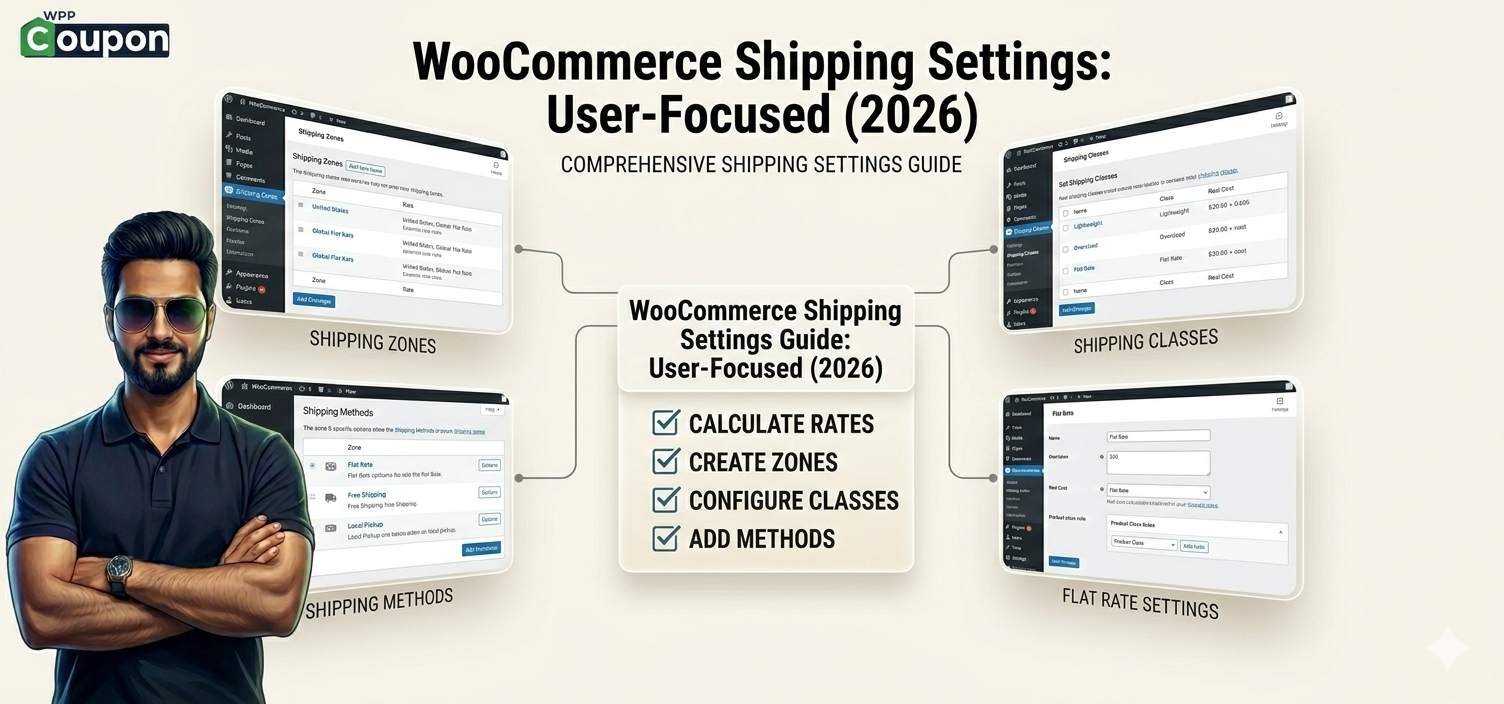
WooCommerce Shipping Settings – Complete Technical Guide
Shipping configuration in WooCommerce depends on:
- Shipping Zones
- Shipping Methods
- Shipping Classes
- Product Weight & Dimensions
- Tax settings
- Cart subtotal rules
- Payment gateway conditions
If one layer is misconfigured, shipping will not calculate correctly.
📦 1️⃣ How WooCommerce Shipping Works (Technical Flow)
When a customer enters address:
- WooCommerce matches the address with a Shipping Zone
- Zone loads assigned Shipping Methods
- Methods apply cost formula
- Conditions (free shipping / min order) are checked
- Final rate is shown
If shipping not showing → one of these steps failed.
🚨 Most Common WooCommerce Shipping Problems & Solutions
❌ Problem 1: Shipping Method Not Showing at Checkout
Causes:
- No shipping zone matching customer location
- Product marked as “Virtual”
- No shipping method inside zone
- Cache conflict
Fix:
- Go to → WooCommerce → Settings → Shipping → Shipping Zones
- Add correct country/state
- Ensure at least one method (Flat Rate / Free Shipping) added
- Clear cache
❌ Problem 2: Free Shipping Not Working
Causes:
- Minimum order condition not met
- Wrong coupon setup
- Taxes included but subtotal condition excludes tax
Fix:
Check:
- Is free shipping set to “Minimum order amount”?
- Is condition based on subtotal excluding tax?
- Try enabling “Apply minimum order rule before coupon discount”
❌ Problem 3: Wrong Shipping Cost Calculation
Causes:
- Incorrect flat rate formula
- Shipping class cost not configured
- Weight-based plugin conflict
Flat rate formula example:
10 + ( 2 * [qty] )
This adds ₹10 base + ₹2 per item.
Wrong syntax = wrong calculation.
❌ Problem 4: Shipping Zones Overlapping
If:
Zone 1 = India
Zone 2 = Tamil Nadu
WooCommerce will match the most specific zone first.
Wrong order causes confusion.
Fix:
Reorder zones properly (specific first, general last).
❌ Problem 5: No Shipping Available Message
This happens when:
- No zone matches
- Weight exceeds limit
- Shipping class not supported
- Plugin rule blocks location
Solution:
Temporarily disable shipping plugins and test default flat rate.
❌ Problem 6: Shipping Cost Not Updating After Address Change
Usually caused by:
- Aggressive page caching
- AJAX conflict
- CDN caching cart page
Fix:
Exclude these pages from cache:
- Cart
- Checkout
- My Account
📊 Shipping Classes – Advanced Setup
Shipping classes allow:
- Heavy items → higher shipping
- Fragile items → special shipping
- Bulk products → custom rate
Example:
- Heavy class cost: ₹100
- Standard class cost: ₹40
Assign class to product → configure cost inside Flat Rate method.
⚙️ Technical Shipping Best Practices for eCommerce Stores
- Always test with multiple addresses
- Disable cache while configuring
- Use staging before live changes
- Keep shipping zones simple
- Avoid too many rule-based plugins
🚀 Performance Tip
Complex shipping rule plugins increase:
- Database queries
- Checkout load time
- CPU usage
For high-traffic stores → choose optimized hosting with strong CPU.
🧠 Frequently Asked Questions (Technical)
1️⃣ Why is WooCommerce not calculating shipping?
Usually due to missing shipping zone or method.
2️⃣ Can I set shipping based on weight?
Yes, using flat rate formula or weight-based plugin.
3️⃣ Why does free shipping disappear after coupon?
Minimum order calculation often excludes tax or includes discount.
4️⃣ How to hide shipping until address entered?
Enable “Calculate shipping” on cart page only after address input.
5️⃣ Why is shipping different for same state?
Check zone priority and postcode rules.
6️⃣ Can I charge different shipping per product?
Yes using Shipping Classes.
7️⃣ Does WooCommerce support real-time courier rates?
Yes via shipping plugins (FedEx, UPS, etc.).
Related Post
WooCommerce Performance Optimization Guide (Server & Hosting Explained – 2026)
WooCommerce Hosting Requirements (RAM, CPU & Traffic Explained) – 2026 Guide
Best Hosting for WooCommerce Upgrade (2026) – Shared to Cloud & VPS Options
Is Your WooCommerce Hosting Too Slow? Signs You Need to Upgrade (2026 Guide)