

Best Hosting for WooCommerce Upgrade (2026) – Shared to Cloud & VPS Options

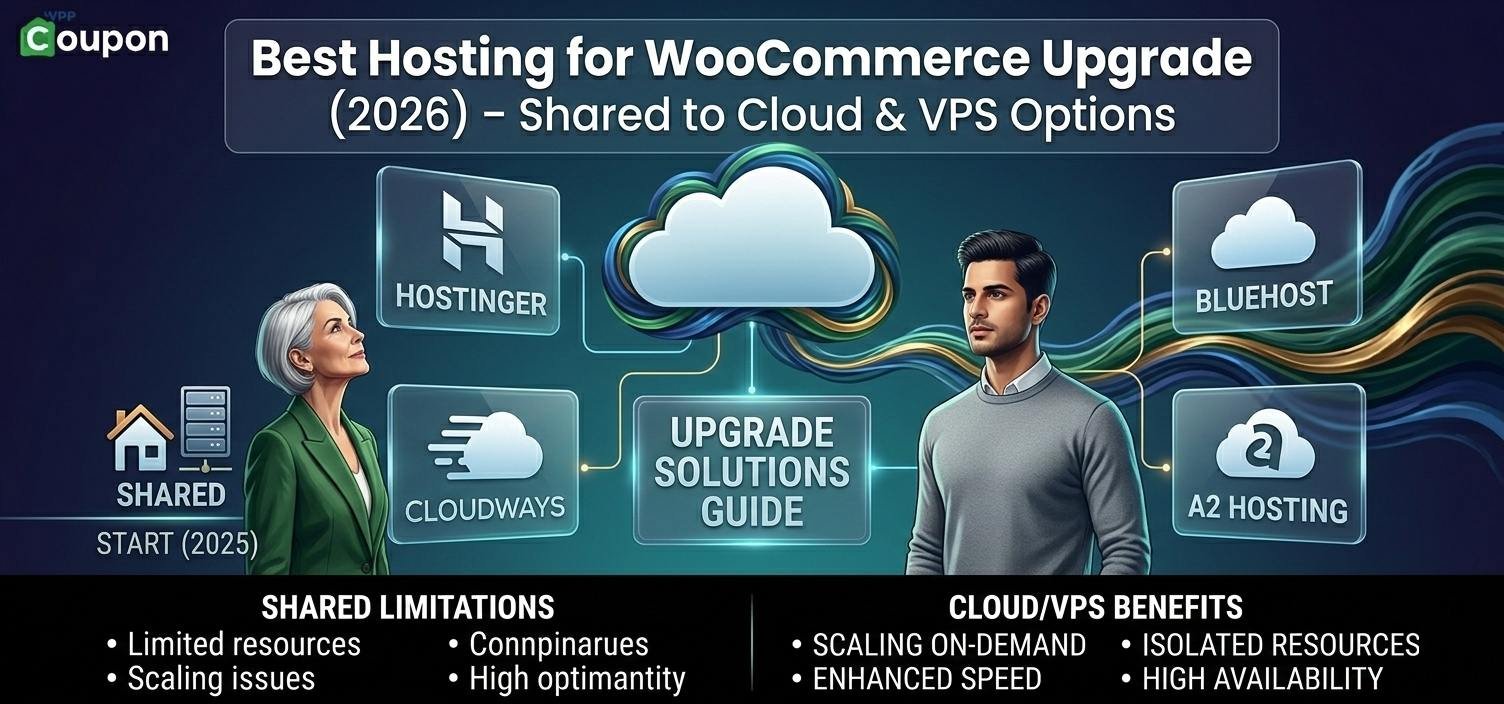
Best Hosting for WooCommerce Upgrade (Shared → Cloud → VPS Guide 2026)
If you’re reading this, your WooCommerce store has probably outgrown basic hosting.
Maybe you’re seeing:
- Slow checkout
- CPU limit warnings
- Traffic spikes crashing the site
- Slow admin dashboard
Shared hosting works in the beginning — but WooCommerce grows fast.
Now it’s time to upgrade smartly.
🚦 Step 1: Know Your Traffic Level
Before upgrading, check:
- Monthly visitors
- Concurrent users
- Product count
- Ad traffic volume
Here’s the proper upgrade path.
🔹 Stage 1: 10K–30K Visitors (Early Growth)
At this level, you don’t need enterprise hosting yet.
Recommended: Optimized Cloud or Premium Shared
Good options:
- SiteGround (GrowBig / Cloud Start)
- Hostinger (Business / Cloud)
Why?
- Better CPU allocation
- NVMe storage
- Built-in caching
- Free CDN
- Strong uptime
Best for:
- Small stores with ads
- 100–300 products
- Moderate daily sales
🔹 Stage 2: 30K–80K Visitors (Serious Store Phase)
Now shared hosting is risky.
You need dedicated resources.
Recommended: Managed Cloud Hosting
Best choice:
- Cloudways
Why Cloudways?
- Choose DigitalOcean / AWS / GCP
- Dedicated RAM & CPU
- Vertical scaling
- Redis & object caching
- Strong performance under traffic spikes
Best for:
- Flash sales
- Festival traffic
- Scaling WooCommerce
🔹 Stage 3: 80K–200K+ Visitors (High Revenue Store)
At this level, downtime = revenue loss.
Recommended: Managed WordPress Hosting
Top options:
- Kinsta
- WP Engine
Why?
- Enterprise infrastructure
- Auto scaling
- Staging environments
- Built-in performance tuning
- High security
Best for:
- Large WooCommerce stores
- High ticket products
- Businesses relying fully on online revenue
🔄 Cloud vs VPS vs Managed WordPress
| Type | Best For | Technical Skill | Cost Level |
|---|---|---|---|
| Premium Shared | Early growth | Easy | Low |
| Cloud Hosting | Growing stores | Medium | Medium |
| VPS | Developers | Advanced | Medium |
| Managed WP | Business owners | Easy | High |
🛠 Minimum Specs for WooCommerce Upgrade
If upgrading, aim for:
- 4GB RAM (minimum)
- 2–4 CPU cores
- NVMe storage
- Object caching (Redis recommended)
- CDN enabled
- Daily backups
Without this, upgrade is pointless.
⚡ What Improves After Upgrade?
After moving to proper hosting, you’ll notice:
✔ Faster checkout
✔ Stable CPU usage
✔ Better Core Web Vitals
✔ Reduced bounce rate
✔ Improved conversion rate
✔ No more random downtime
Hosting upgrade = performance boost.
🧠 Smart Upgrade Strategy
Instead of jumping directly to expensive hosting:
- Move from shared → cloud first
- Monitor traffic
- Scale vertically
- Upgrade only when needed
Avoid overpaying too early.
📦 Real Upgrade Example
Store profile:
- 250 products
- 40K monthly visitors
- Facebook & Google Ads running
On shared hosting → CPU overload.
Upgraded to Cloudways 4GB plan →
- Load time improved
- No downtime during sale
- Orders processed smoothly
ROI covered hosting cost within weeks.
🚨 Common Mistakes When Upgrading
❌ Choosing cheapest VPS without optimization
❌ Not enabling object caching
❌ Ignoring CDN
❌ Staying on shared hosting too long
❌ Overpaying for enterprise before needed
Final Recommendation
If you’re unsure:
- Under 30K visitors → SiteGround / Hostinger Business
- 30K–80K visitors → Cloudways
- 80K+ visitors → Kinsta / WP Engine
Upgrade based on growth stage — not hype.
Frequently Asked Questions (WooCommerce Hosting Upgrade)
You should upgrade if:
CPU usage is constantly high
Checkout is slow
You receive resource limit warnings
Traffic exceeds 10K–20K monthly visitors
Your site crashes during sales
If performance affects revenue, upgrade immediately.
See our guide on WooCommerce hosting requirements
Shared hosting works only for:
Very small stores
Low traffic (under 10K visitors)
Fewer than 50–100 products
Once traffic grows, shared hosting becomes unstable for WooCommerce.
It depends on traffic:
10K–30K visitors → Optimized shared or entry cloud
30K–80K visitors → Managed cloud hosting
80K+ visitors → Managed WordPress or VPS
Cloud-based infrastructure handles scaling better than traditional shared hosting.
Compare best hosting for high traffic websites
Minimum recommendation:
4GB RAM for growing stores
8GB RAM for high-traffic stores
WooCommerce requires more memory than regular blogs because of dynamic database queries and checkout sessions.
Yes.
Upgrading improves:
Server response time
Checkout processing speed
Database performance
Core Web Vitals
Overall user experience
Better speed directly improves conversion rates.
Not always.
VPS gives dedicated resources but requires technical management.
Cloud hosting offers easier scalability and often better traffic handling.
For non-technical store owners, managed cloud hosting is usually safer.
Indirectly, yes.
Faster checkout + stable uptime =
✔ Lower cart abandonment
✔ Higher customer trust
✔ Better SEO
✔ Improved ad performance
Hosting affects user experience, which affects sales
Related Post
Is Your WooCommerce Hosting Too Slow? Signs You Need to Upgrade (2026 Guide)
Namecheap vs BigRock (2026) – Which Hosting Is Better for India?
Hostinger vs Bluehost (2026) – Which Hosting Is Better?
Best Hosting for High Traffic Websites (2026) – Scalable, Fast & Reliable
Best Hosting Company for Small eCommerce Business (2026 Guide)